Connect All your saves seamlessly to aI
Make actual use of the posts, articles and URLs you save by linking them to your AI chat
No credit card required
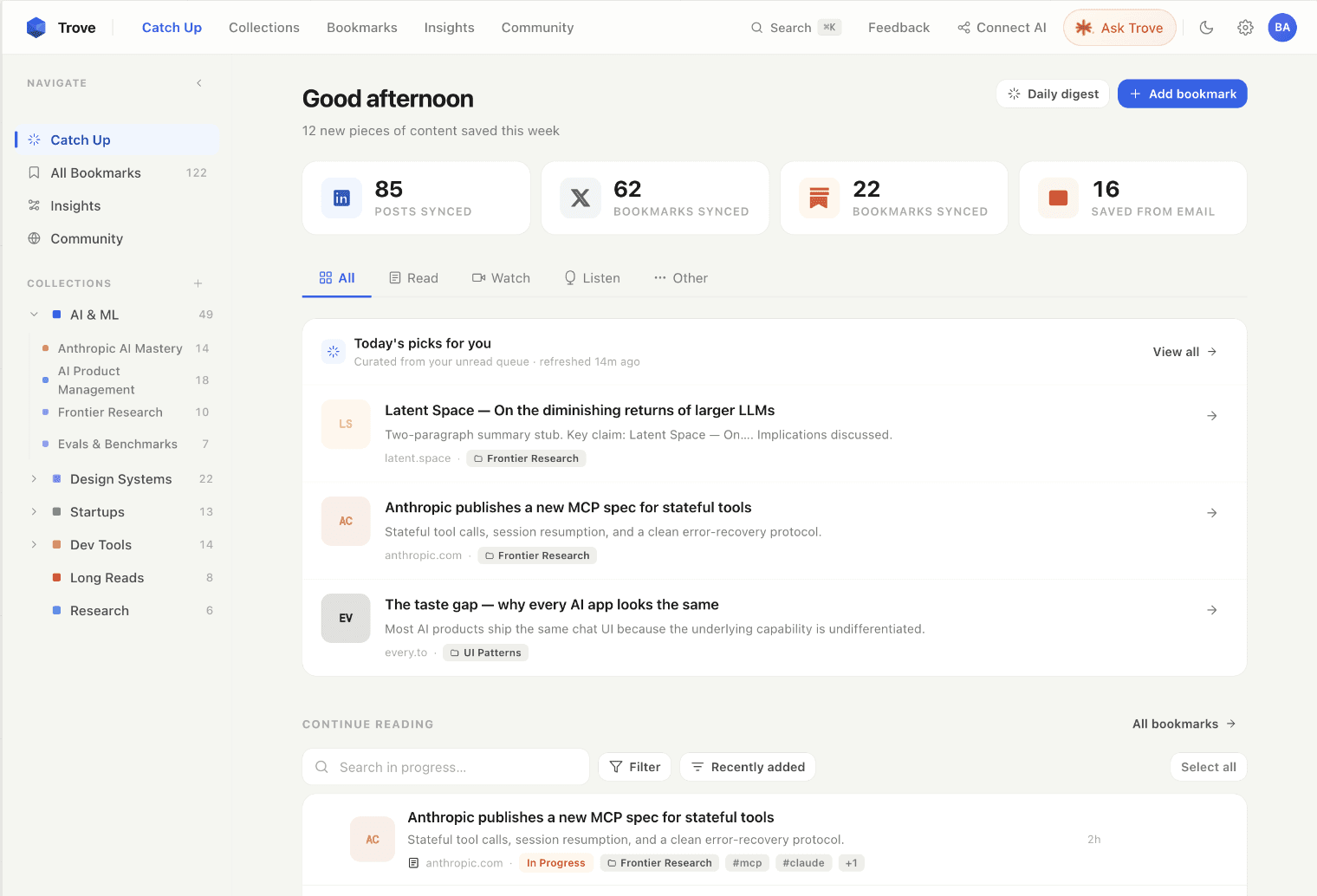
Unique Features
Your personal repository of content saved across platforms
No more scattered bookmarks across the internet
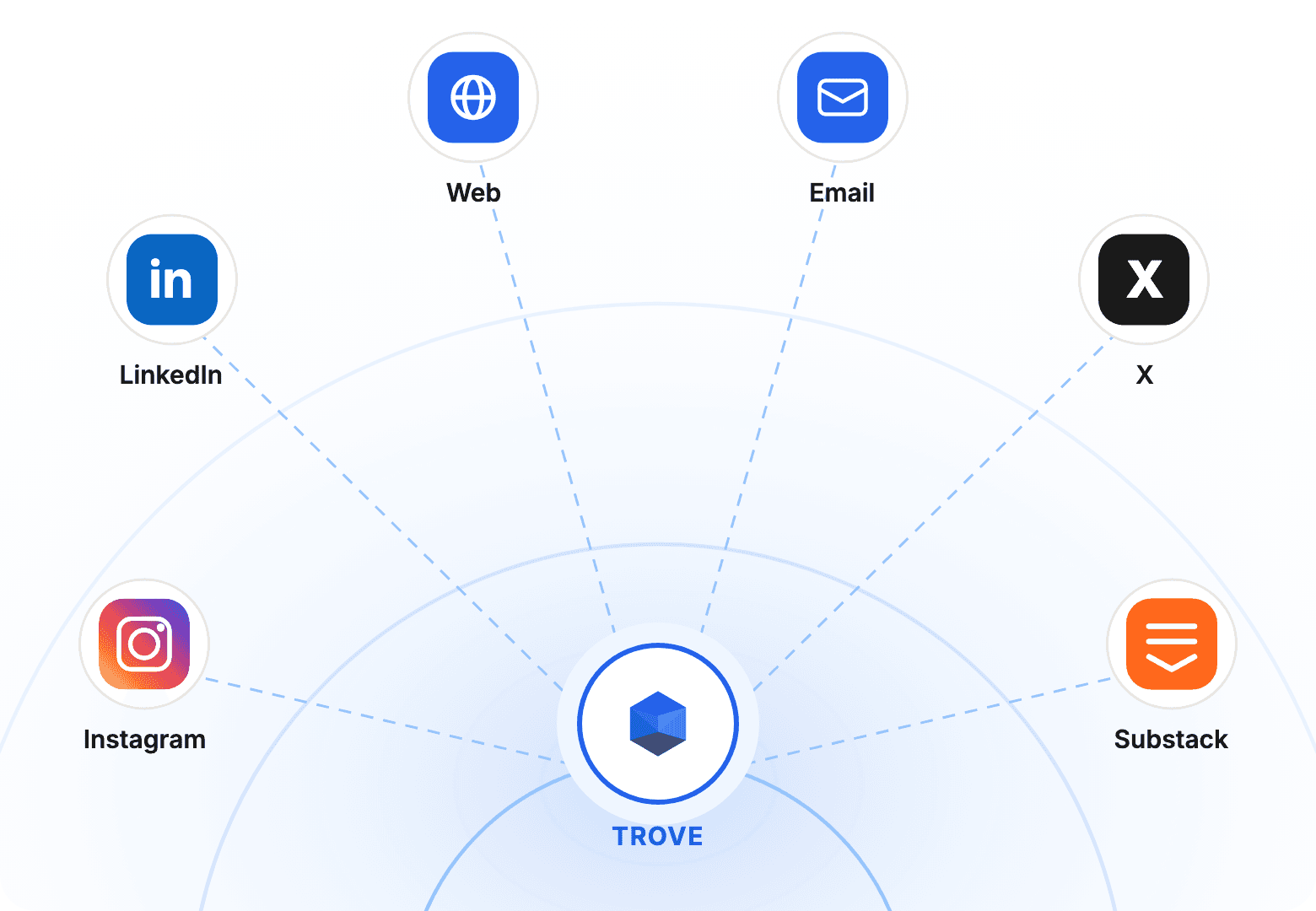
Auto-sync your saves from any platform*
LinkedIn and X saves added automatically to Trove today. *Tomorrow it'll be anything you save and wish to sync
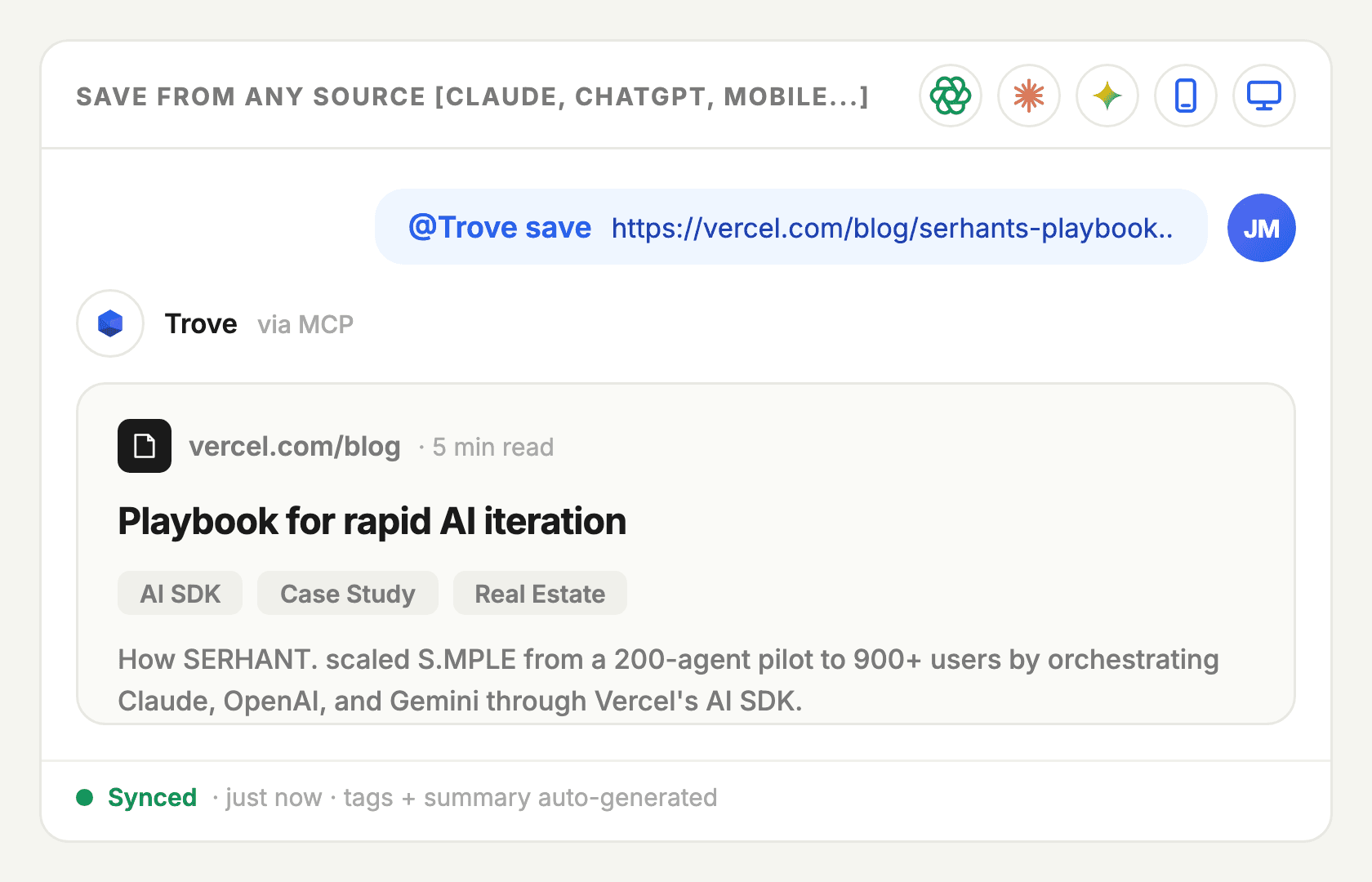
Save content directly inside your AI Chats
Just type "@Trove save _URL_" and you're done!
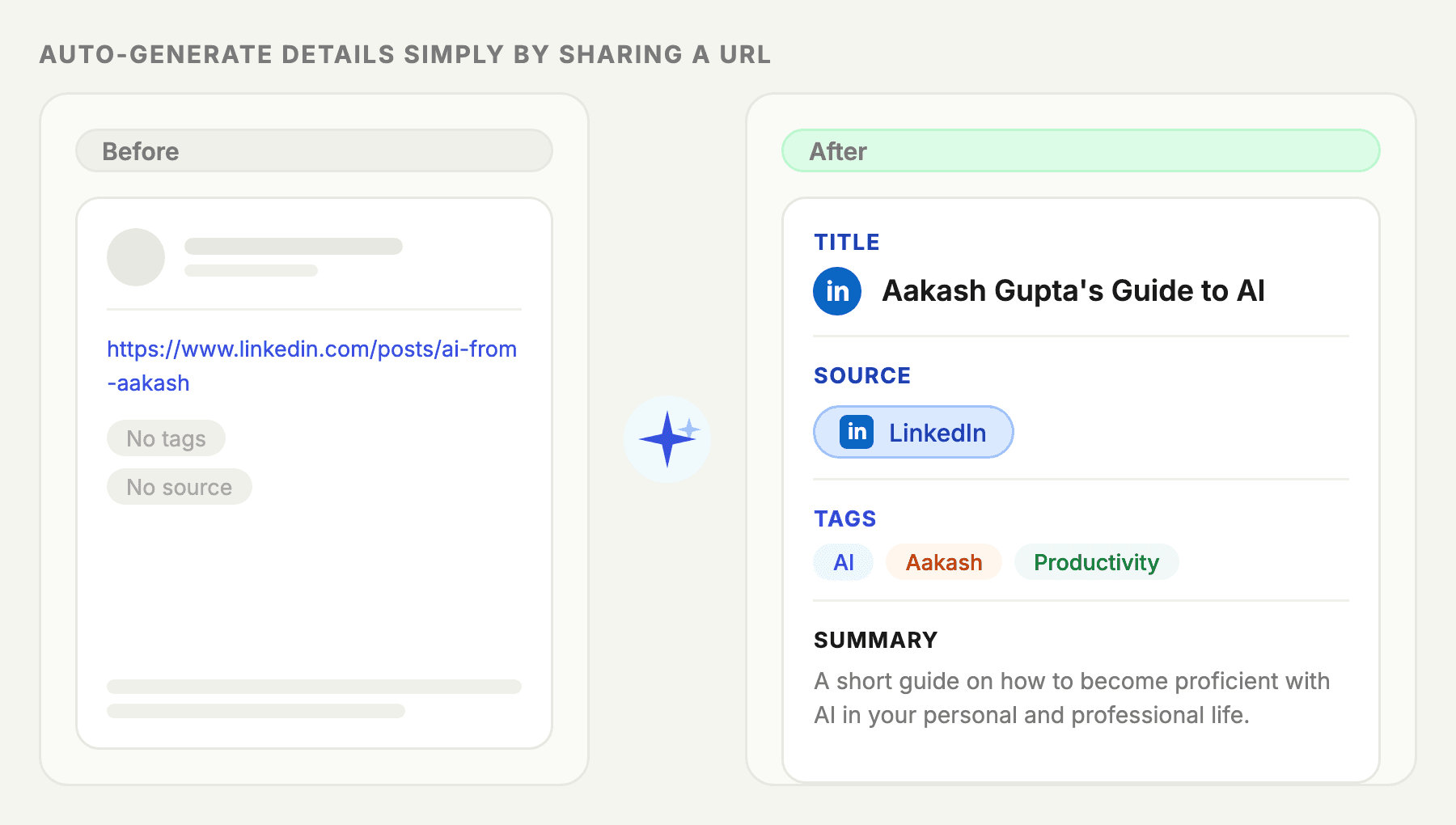
Let AI do the boring 'organizing' part
Trove's AI auto-generates a title, relevant tags, and a summary so you can find content easily
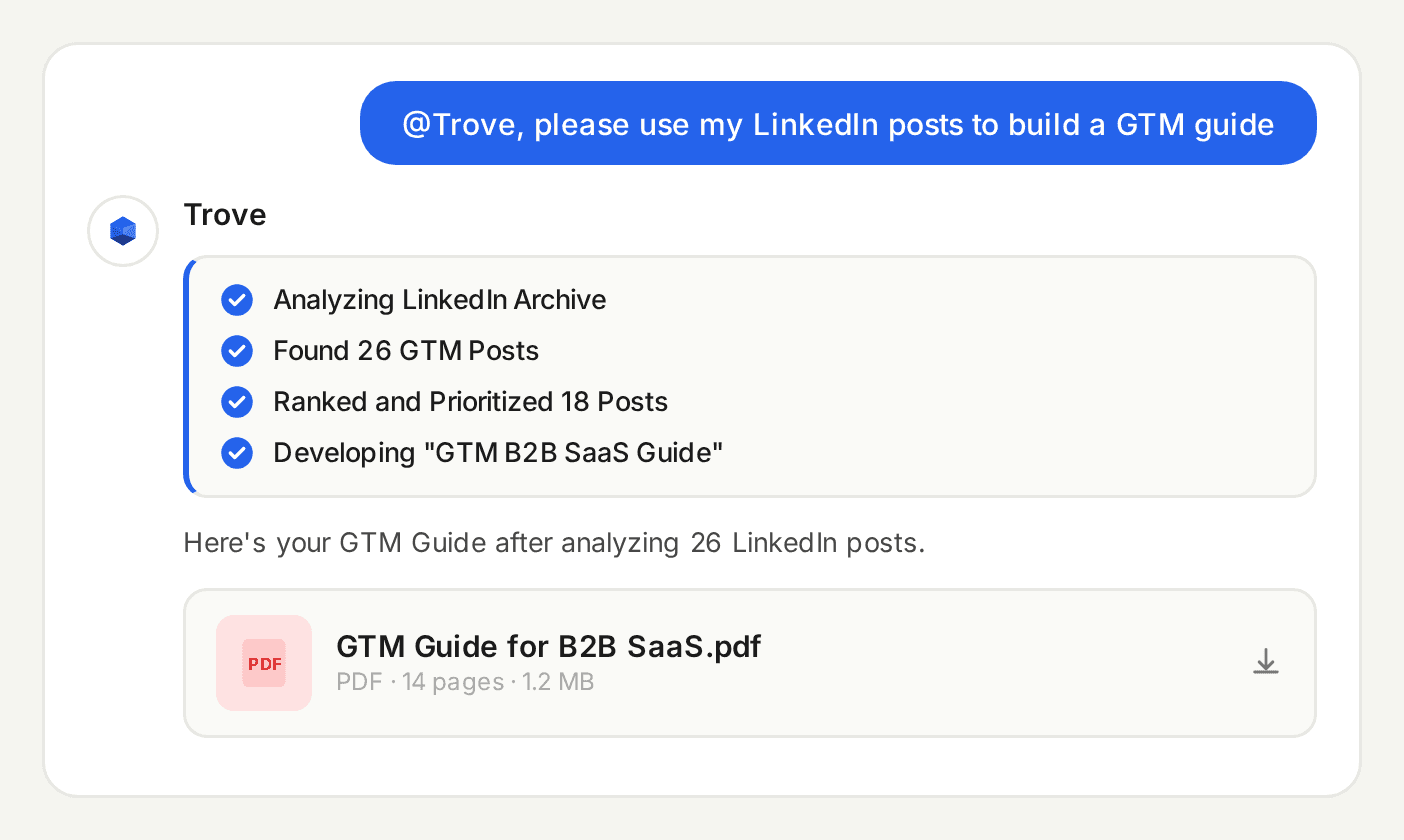
Just @Trove in your AI Chat
Access all your saved content and start using it in your professional and personal life
Benefits
A modern tool for the AI-age knowledge worker
No more forcing your brain to remember what your saved and for what purpose
Let AI Remember
We save a lot of things. Let AI auto-organize and remember stuff. You just need to ask
Dedicated "Catch Up" section
Keep the stuff you'll come back to later in one easy to access place
Share your Content Collections
Keep collections Private, Unlisted or Public. Or share with just a friend or colleague
Access Curated Collections
We host the top rated playbooks, guides, articles and posts - link them all to your AI
No More Manual Uploads
Don't attach or copy docs/links. Just @Trove and reference them directly into the chat
Dig Deeper
You've done the hard work of curating things you like. Make use of them!
How It Works
Connecting to your AI Chat takes <1 min
We use Model Context Protocol (MCP) to seamlessly link your Trove to AI
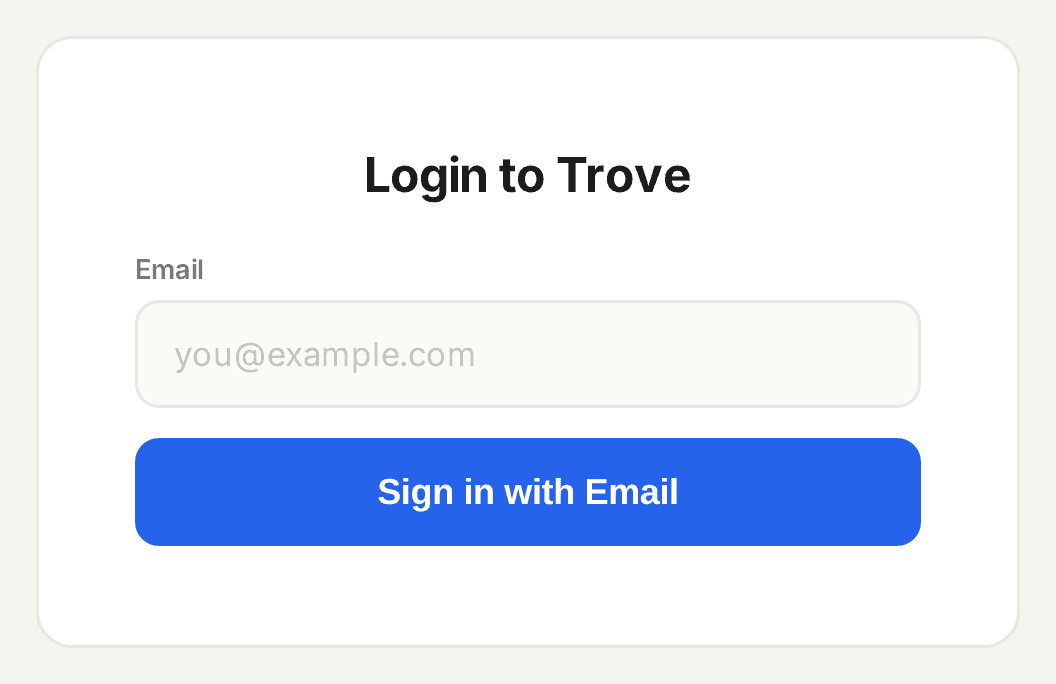
Login to Trove's Webapp
Just sign in to Trove on our website
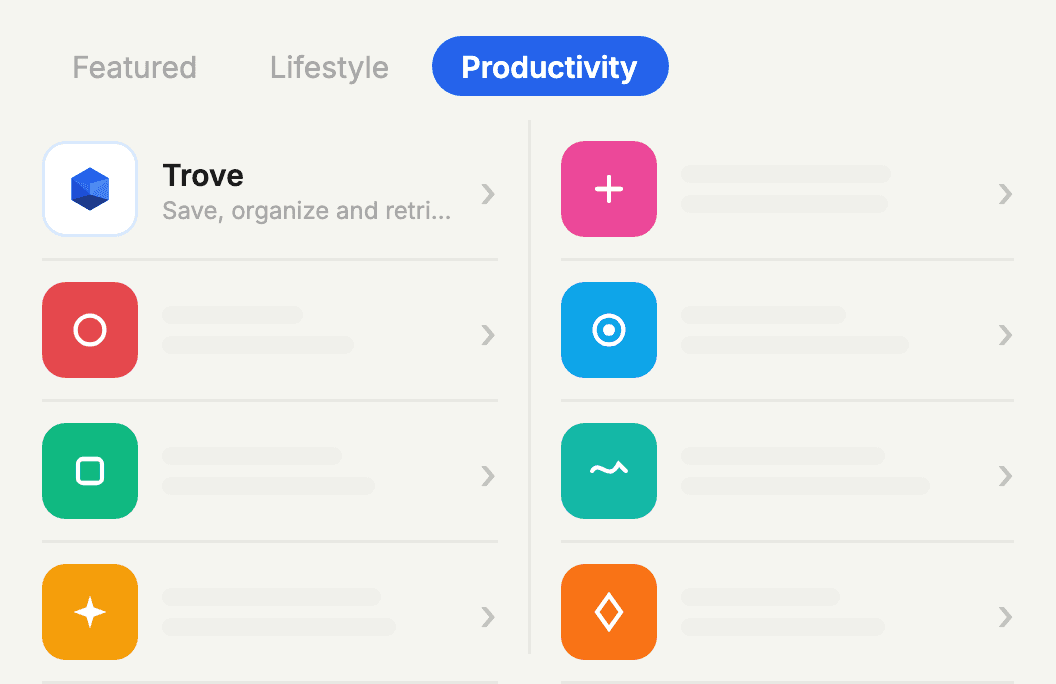
Search for Trove in AI App
Head over to your AI (ChatGPT Apps or Claude's Connectors) and find Trove
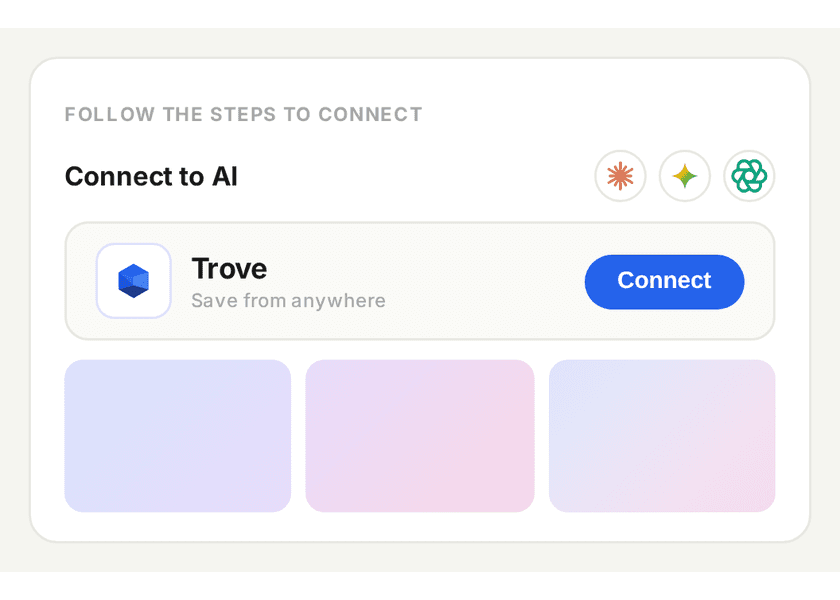
Click "Connect" and follow
ChatGPT / Claude will give you a one-click button to link Trove. Just follow the steps
Usecases
Use Trove For...
● Researching and planning using your LinkedIn posts
● Creating a vacation plan using all the places you saved
● Building you a collection from any unorganized links
● Sharing and publishing resources amongst colleagues or friends
● Searching through saved Git Repos and find relevant materials
Valuable Troves
Sneak Peek into Community Collections
Just "@Trove" in your AI Chat and use these resources
- SOURCE: Charle, Sabahudin and Walid
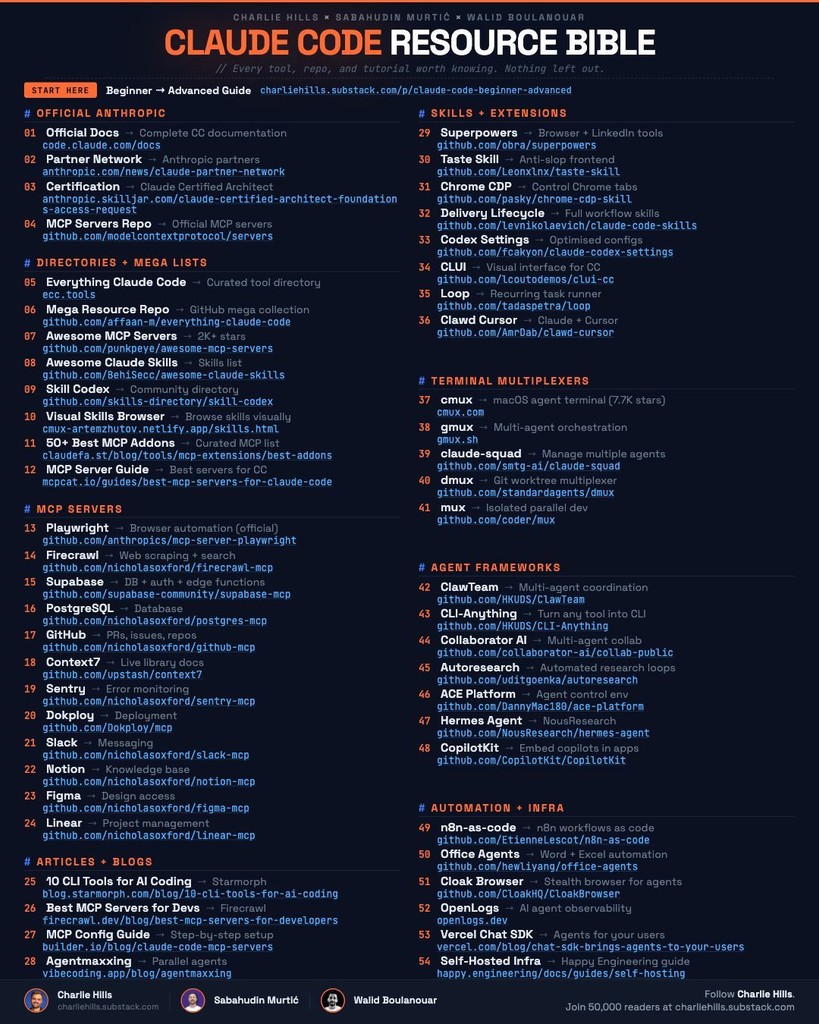 LinkedInClaude Code Resource BibleA massive trove of 54 Claude resourcesSkillsGithub ReposMCP Servers
 - SOURCE: AAKASH GUPTA
 SubstackPremium AI PM ResourcesComplete PM MBA by Aakash GuptaAI PMDeep-dives
 - SOURCE: LENNY RACHITSKY
 LinkedInLenny's Podcast TranscriptsProjects to access Lenny's Podcast InsightsVisual ProjectsLearn AI
 - SOURCE: Substack
 SubstackTop Substack Newsletters on AIAI Productivity Tips from Top NewslettersUpskillNewsletters
 - Source: Eric Vyacheslav ET AL.
 LinkedInTop GitHub ReposCutting Edge AI Tools & FrameworksAI AgentsProject Templates
No items
FAQ's
Top of Mind Questions
Here are answers to the most common things people ask before getting started.
How is my saved data stored on Trove?
Trove stores data securely using Supabase which is a data client built on top of AWS (Amazon Web Services) - a global leader in cloud storage. We only maintain URLs and a Summary of the content underneath the URL
How do I connect Trove to my AI model?
Can Trove integrate with other tools?
Why do I have to bring my own API key?
Have more questions?


"Trove is what makes saving content worthwhile. I can actually use all of it now directly in my AI chat"
Close friend who was not paid to say this
Connect All your saves seamlessly to aI
Make actual use of the posts, articles and videos you save by linking them to your AI chat
No credit card required
Unique Features
Your personal repository of content saved across platforms
No more scattered bookmarks across the internet
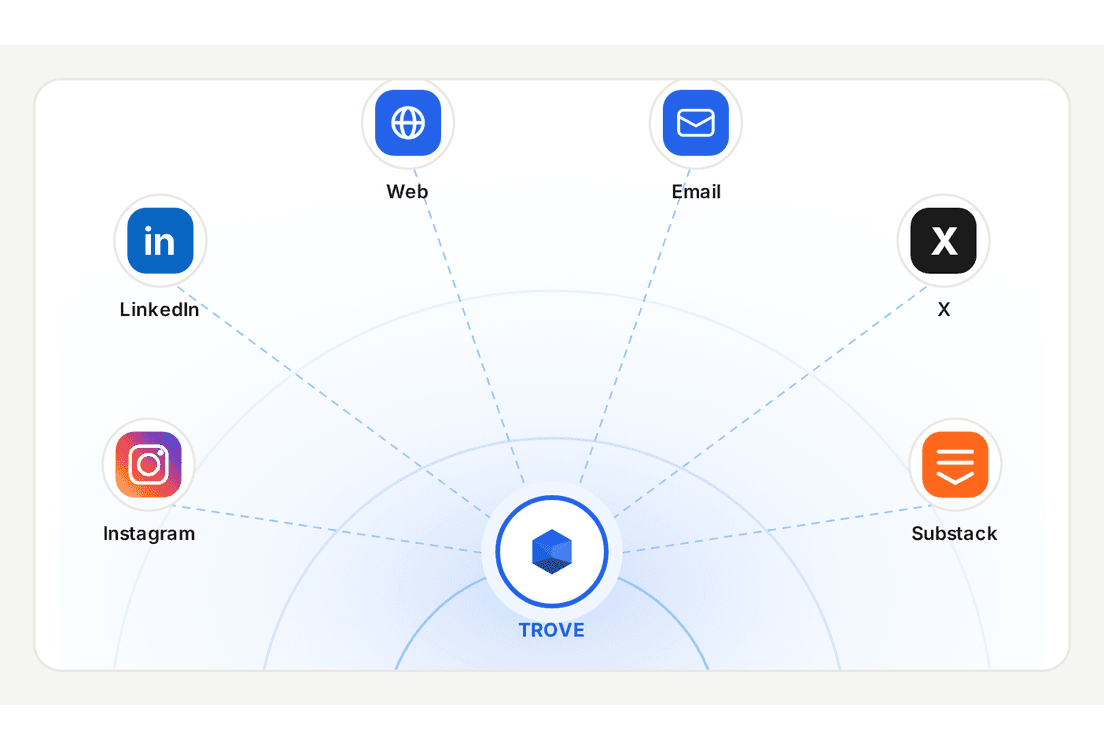
Auto-sync your saves from any platform*
LinkedIn and X saves added automatically to Trove today. *Tomorrow it'll be anything you save and wish to sync
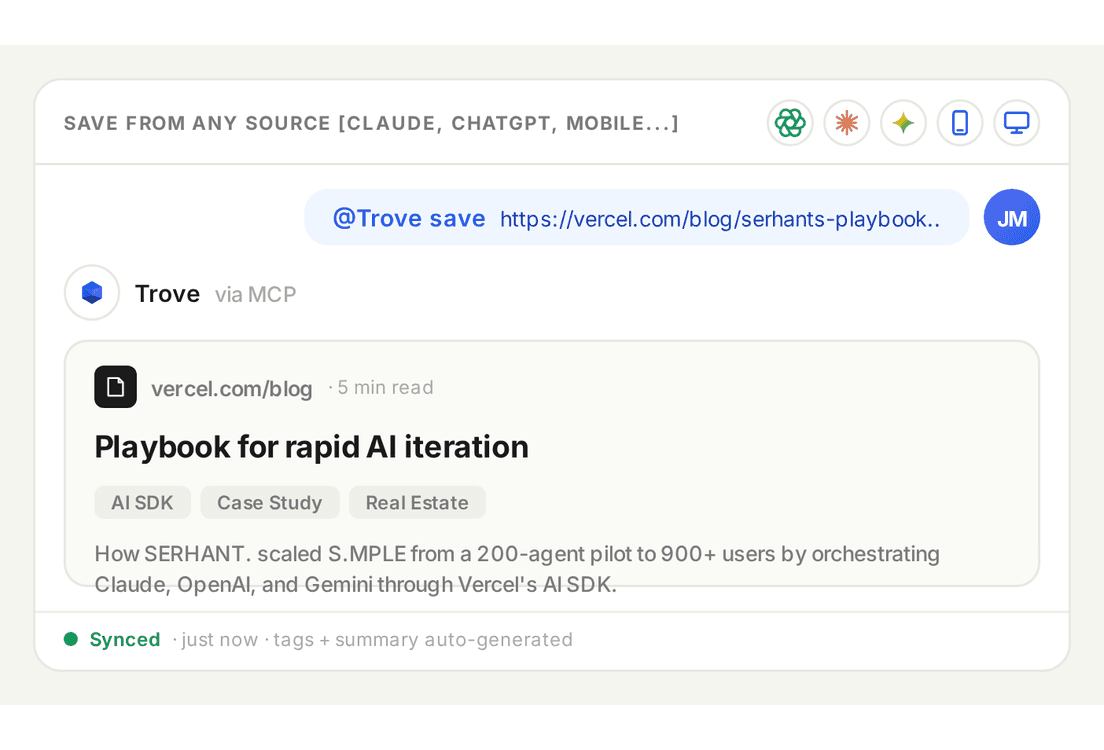
Save content directly inside your AI Chats
Just type "@Trove save _URL_" and you're done!
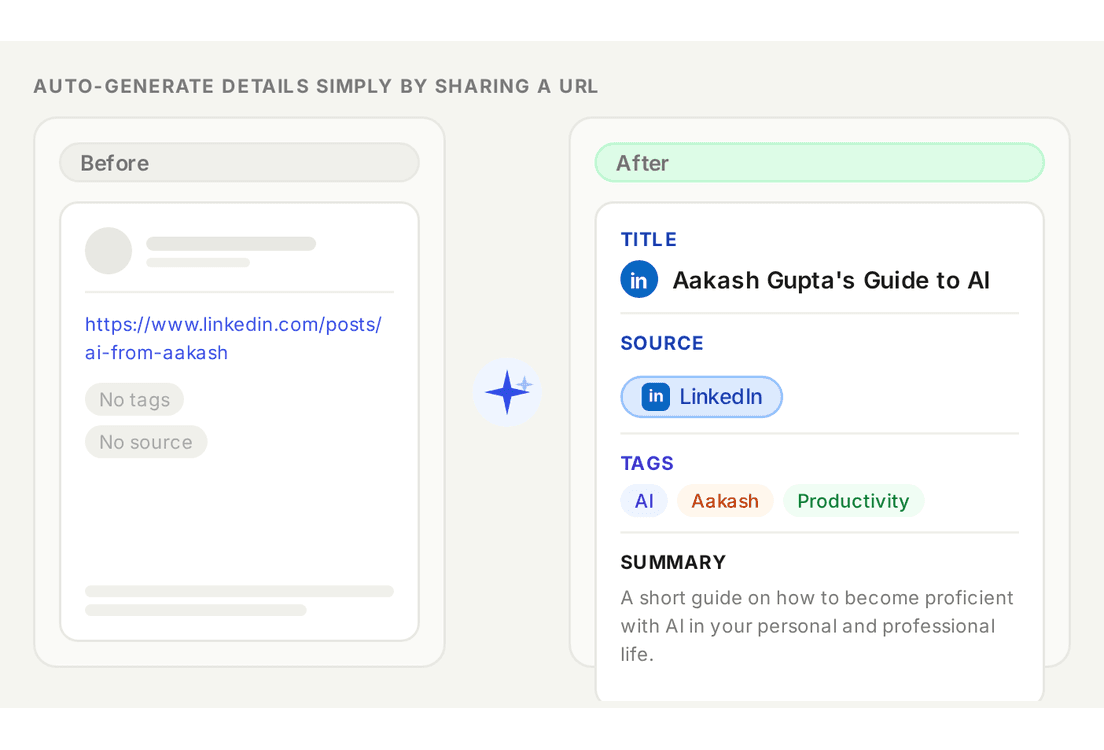
Let AI do the boring 'organizing' part
Trove's AI auto-generates a title, relevant tags, and a summary so you can find content easily
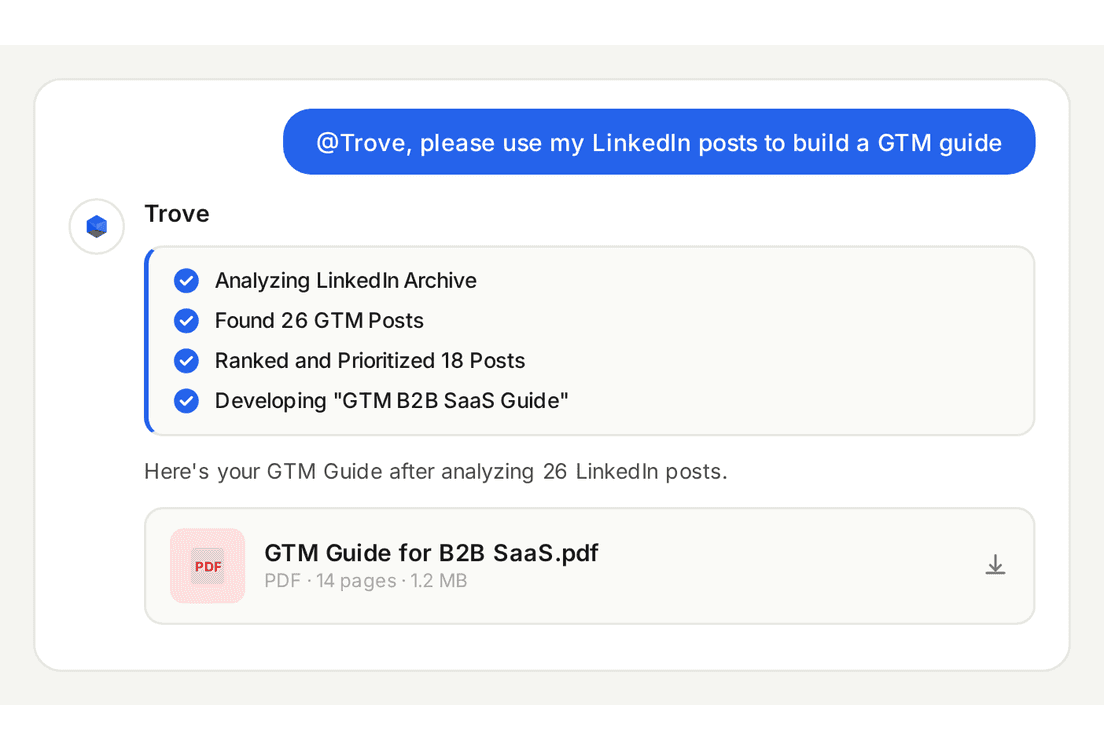
Just @Trove in your AI Chat and Ask Away
Access all your saved content and start using it in your professional and personal life
Benefits
A modern tool for the AI-age knowledge worker
No more forcing your brain to remember what your saved and for what purpose
Let AI Remember
We save a lot of things. Let AI auto-organize and remember stuff. You just need to ask
Dedicated "Catch Up" section
Keep the stuff you'll come back to later in one easy to access place
Share your Content Collections
Keep collections Private, Unlisted or Public. Or share with just a friend or colleague
Access Curated Collections
Keep your analytics safe with advanced security and strong encryption.
Forget the Clutter
AI is amazing at this kind of work. Trove makes sure you're not overwhelmed
Dig Deeper
You've done the hard work of curating things you like. Make use of them!
Use cases
Use Trove to...
● Researching and planning using your LinkedIn posts
● Creating a vacation plan using all the places you saved
● Building you a collection from any unorganized links
● Sharing and publishing resources amongst colleagues or friends
How It Works
Connecting to your AI Chat takes <1 min
We use Model Context Protocol (MCP) to seamlessly link your Trove to AI
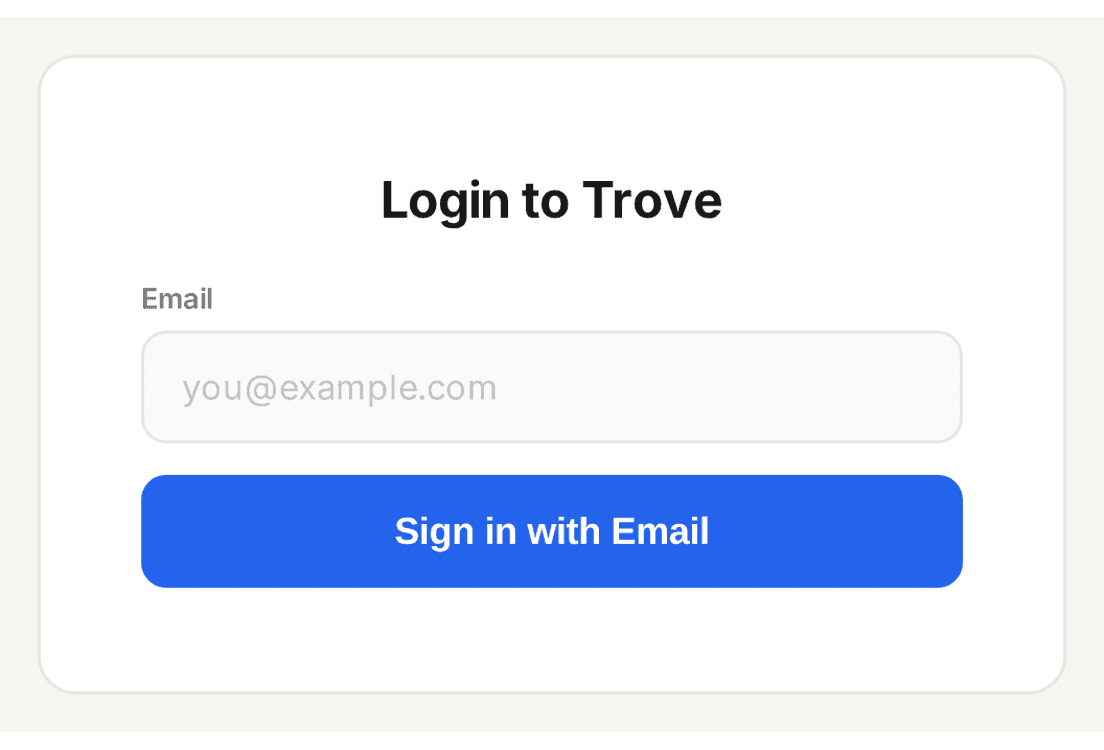
Login to Trove on Web
Just sign in to Trove on our website
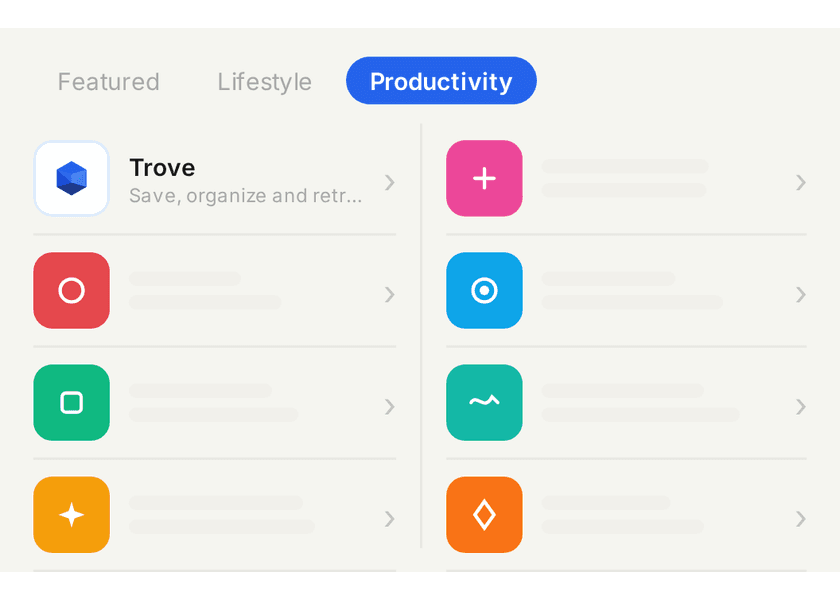
Search for Trove in AI App
Head over to your AI (ChatGPT Apps or Claude's Connectors) and find Trove
Click "Connect" and follow
ChatGPT / Claude will give you a one-click button to link Trove. Just follow the steps
Valuable Troves
Sneak Peek into Community Collections
Just "@Trove" in your AI Chat and use these resources
- SOURCE: Charle, Sabahudin and WalidLinkedInClaude Code Resource BibleA massive trove of 54 Claude resourcesSkillsGithub ReposMCP Servers
- SOURCE: AAKASH GUPTASubstackPremium AI PM ResourcesComplete PM MBA by Aakash GuptaAI PMDeep-dives
- SOURCE: LENNY RACHITSKYLinkedInLenny's Podcast TranscriptsProjects to access Lenny's Podcast InsightsVisual ProjectsLearn AI
- SOURCE: SubstackSubstackTop Substack Newsletters on AIAI Productivity Tips from Top NewslettersUpskillNewsletters
- Source: Eric Vyacheslav ET AL.LinkedInTop GitHub ReposCutting Edge AI Tools & FrameworksAI AgentsProject Templates
FAQ's
Top of Mind Questions
Here are answers to the most common things people ask before getting started.
How is my saved data stored on Trove?
Trove stores data securely using Supabase which is a data client built on top of AWS (Amazon Web Services) - a global leader in cloud storage. We only maintain URLs and a Summary of the content underneath the URL
How do I connect Trove to my AI model?
Can Trove integrate with other tools?
Why do I have to bring my own API key?
Have more questions?
Connect All your saves seamlessly to aI
Make actual use of the posts, articles and videos you save across platforms
No credit card required
Unique Features
Your personal repository of content saved across platforms
No more scattered bookmarks across the internet
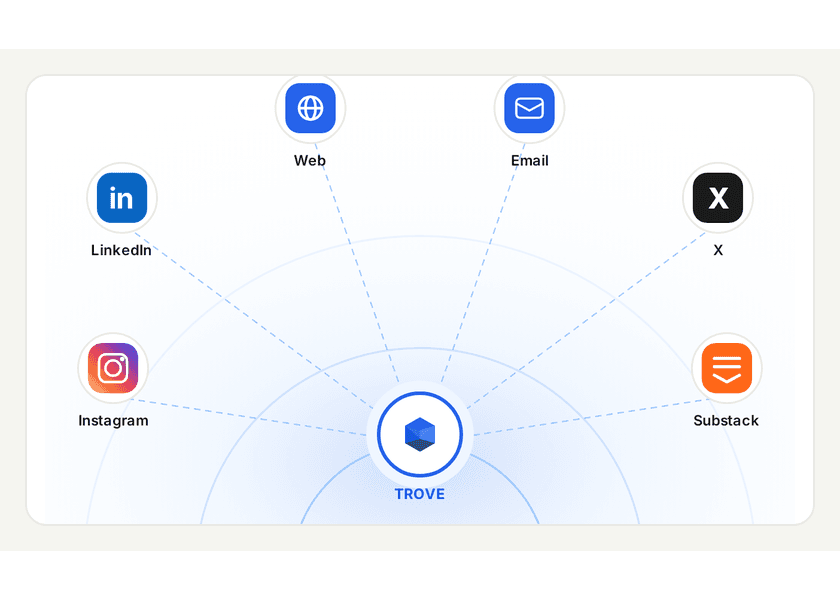
Auto-sync your saves from any platform*
LinkedIn and X saves added automatically to Trove today. *Tomorrow it'll be anything you save and wish to sync
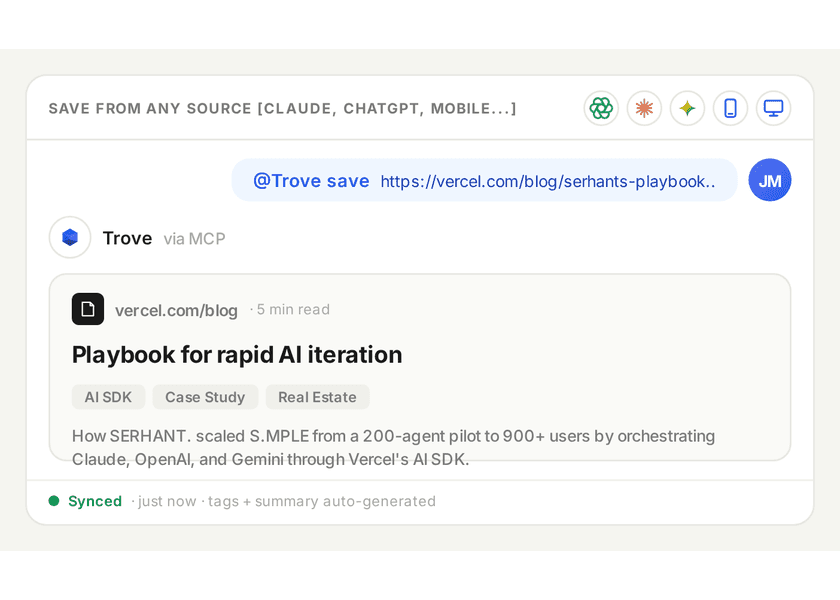
Save content directly inside your AI Chats
Just type "@Trove save _URL_" and you're done!
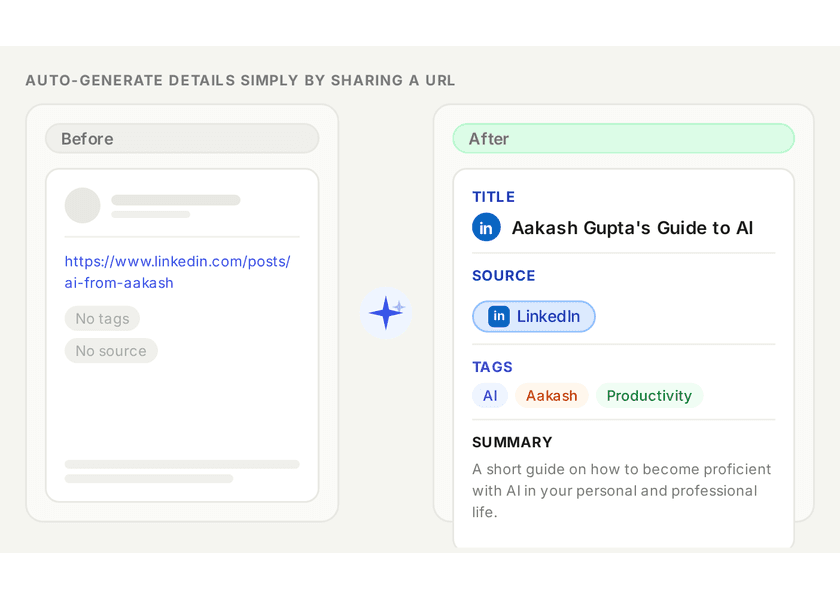
Let AI do the boring 'organizing' part
Trove's AI auto-generates a title, relevant tags, and a summary so you can find content easily
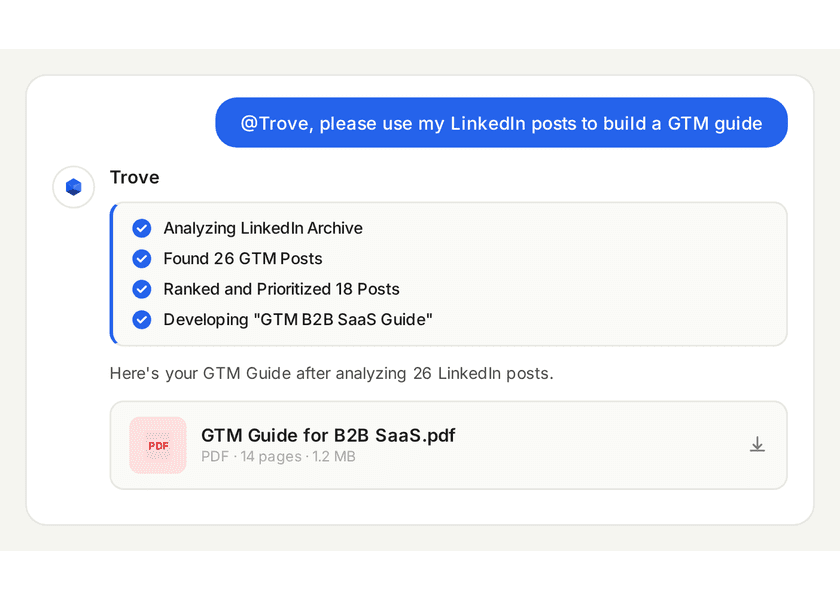
Just @Trove in your AI Chat and Ask Away
Access all your saved content and start using it in your professional and personal life
Benefits
A modern tool for the AI-age knowledge worker
No more forcing your brain to remember what your saved and for what purpose
Let AI Remember
We save a lot of things. Let AI auto-organize and remember stuff. You just need to ask
Dedicated "Catch Up" section
Keep the stuff you'll come back to later in one easy to access place
Share your Content Collections
Keep collections Private, Unlisted or Public. Or share with just a friend or colleague
Access Curated Collections
Keep your analytics safe with advanced security and strong encryption.
Forget the Clutter
AI is amazing at this kind of work. Trove makes sure you're not overwhelmed
Dig Deeper
You've done the hard work of curating things you like. Make use of them!
How It Works
Connecting to AI takes <1 min
We use Model Context Protocol (MCP) to seamlessly link your Trove to AI
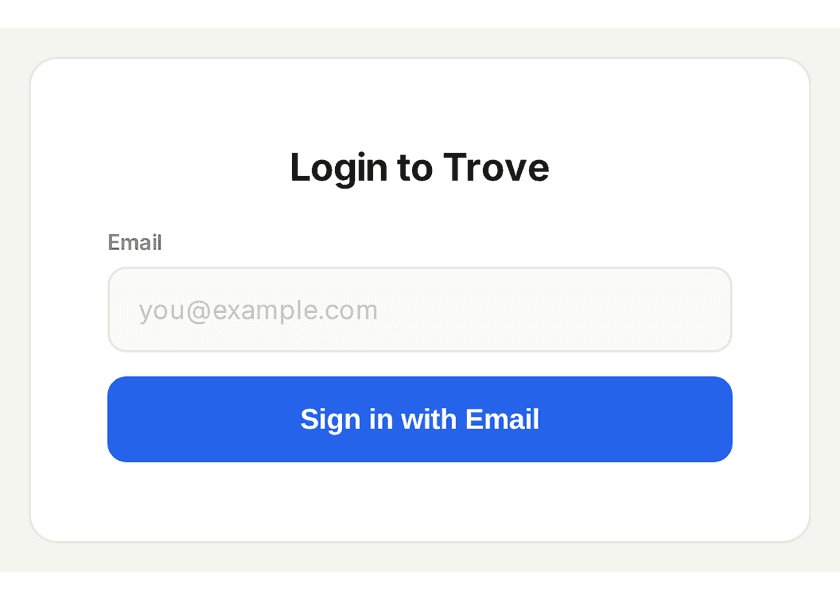
Login to Trove on Web
Just sign in to Trove on our website
Search for Trove in AI App
Head over to your AI (ChatGPT Apps or Claude's Connectors) and find Trove
Click "Connect" and follow
ChatGPT / Claude will give you a one-click button to link Trove. Just follow the steps
Use cases
Use Trove For...
● Researching and planning using your LinkedIn posts
● Creating a vacation plan using all the places you saved
● Building you a collection from any unorganized links
● Sharing and publishing resources amongst colleagues or friends
Valuable Troves
Sneak Peek into Community Collections
Just "@Trove" in your AI Chat and use these resources
- SOURCE: Charle, Sabahudin and WalidLinkedInClaude Code Resource BibleA massive trove of 54 Claude resourcesSkillsGithub ReposMCP Servers
- SOURCE: AAKASH GUPTASubstackPremium AI PM ResourcesComplete PM MBA by Aakash GuptaAI PMDeep-dives
- SOURCE: LENNY RACHITSKYLinkedInLenny's Podcast TranscriptsProjects to access Lenny's Podcast InsightsVisual ProjectsLearn AI
- SOURCE: SubstackSubstackTop Substack Newsletters on AIAI Productivity Tips from Top NewslettersUpskillNewsletters
- Source: Eric Vyacheslav ET AL.LinkedInTop GitHub ReposCutting Edge AI Tools & FrameworksAI AgentsProject Templates
FAQ's
Top of Mind Questions
Here are answers to the most common things people ask before getting started.
How is my saved data stored on Trove?
Trove stores data securely using Supabase which is a data client built on top of AWS (Amazon Web Services) - a global leader in cloud storage. We only maintain URLs and a Summary of the content underneath the URL